What to Do If You Forgot Your Dashlane Master Password
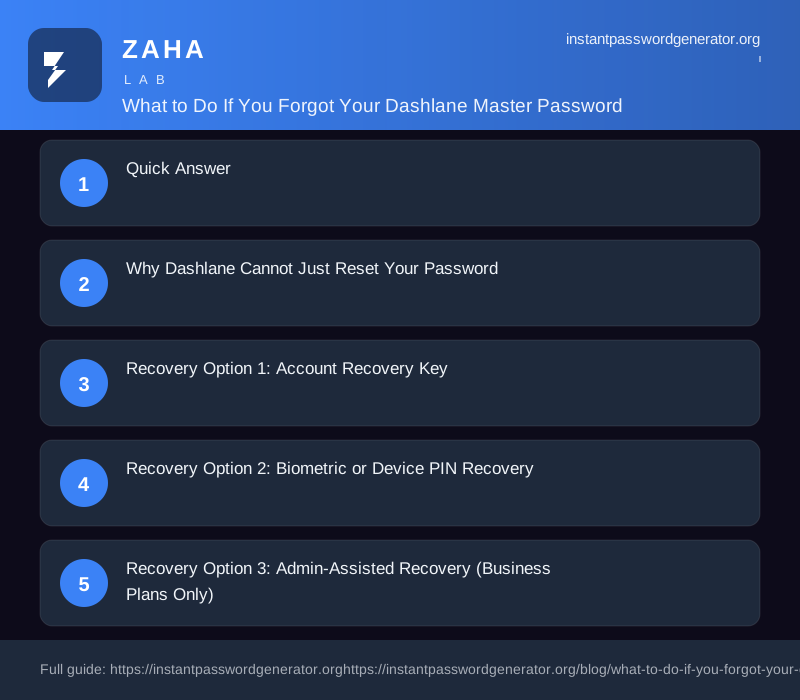
Forgetting your Dashlane master password is not automatically a disaster — but your recovery options depend entirely on what you set up before getting locked out. This guide covers every recovery path, ranked from most to least likely to work, plus how to prevent this from happening again.
Quick Answer
Dashlane offers three master password recovery paths:
- 1. Account Recovery Key (ARK) — a 28-character code generated at setup; use it to regain access without losing vault data
- 2. Biometric or device PIN recovery — works on a phone or laptop where you previously enabled Face ID, fingerprint, or Windows Hello
- 3. Admin-assisted recovery — available to Dashlane Business/Teams users through their IT admin
If none of these were set up before you got locked out, Dashlane cannot recover your vault. No support exception exists.
Why Dashlane Cannot Just Reset Your Password
Dashlane uses zero-knowledge encryption: your vault is encrypted with a key derived from your master password, and that key never touches Dashlane's servers. The company holds only an encrypted blob it cannot read. This architecture is the reason a Dashlane breach cannot expose your stored passwords — but it also means no Dashlane employee has a backdoor to your vault.
When you see "forgot master password" options on other services, those services store your password (or a reversible form of it). Dashlane stores neither.
Recovery Option 1: Account Recovery Key
Works if: You generated an ARK in Settings before getting locked out.
The Account Recovery Key is a 28-character alphanumeric code Dashlane generates on demand. It acts as an alternate decryption path for your vault.
How to use it:
- 1. Open Dashlane and select Forgot master password at the login screen
- 2. Choose Use Account Recovery Key
- 3. Enter your 28-character key exactly as saved
- 4. Set a new master password — your vault decrypts and syncs fully
Where people store their ARK: printed in a safe, a locked drawer, a secure note on a separate app, or with a trusted family member. Digital copies on the same device that's locked out are inaccessible.
If you never generated an ARK, this option does not appear. You cannot generate one retroactively while locked out.
Recovery Option 2: Biometric or Device PIN Recovery
Works if: You previously enabled Face ID, fingerprint, or device PIN unlock on a phone or laptop that still has Dashlane installed.
Your biometric/PIN acts as a secondary vault key stored in the device's secure enclave. Even without your master password, that device can open your vault.
Steps:
- 1. Open the Dashlane app on the enrolled device
- 2. At the master password prompt, tap or click Use biometrics or Use device PIN
- 3. Authenticate with Face ID, fingerprint, or your device PIN
- 4. Once inside the vault, immediately go to Settings → Security and set a new master password
Limitations: This only works on the specific device where biometrics were enabled before lockout. Uninstalling the app deletes this path. A factory reset removes it too.
Recovery Option 3: Admin-Assisted Recovery (Business Plans Only)
Works if: You're on a Dashlane Business or Teams plan and your organization's admin has recovery enabled.
Your IT admin can initiate a re-encryption process from the Admin Console that does not expose your vault contents. You receive a recovery email and can set a new master password.
Steps for the employee:
- 1. Contact your Dashlane admin or IT helpdesk
- 2. Ask them to initiate account recovery for your email address
- 3. Check your email for a recovery link from Dashlane
- 4. Follow the link to set a new master password — vault data is preserved
This option is not available on Dashlane Free, Premium, or Friends & Family plans.
If You Have No Recovery Method
If all three paths are unavailable, the vault data is unrecoverable. This is not a policy decision Dashlane support can override — it is a mathematical property of the encryption.
What you can still do:
| Action | How |
|---|---|
| Export from a still-logged-in device | Dashlane app → File → Export → Encrypted JSON or CSV |
| Check browser saved passwords | Chrome, Safari, and Firefox save many passwords independently |
| Reset individual accounts | Use "Forgot password" on each site and rebuild your vault |
| Delete account and start fresh | Dashlane account settings → delete account, then create new |
Before deleting, check every device you own — phones, old laptops, work computers — for an active Dashlane session. One logged-in device gives you an export window.
Prevention Checklist (Do These Now)
If you're reading this before getting locked out, five minutes spent now prevents a potential permanent loss of all stored credentials:
- - [ ] Generate an Account Recovery Key — Dashlane Settings → Security → Account Recovery Key → Save the 28-character code offline
- - [ ] Enable biometric unlock on mobile — Settings → Security → Unlock with biometrics
- - [ ] Enable biometric unlock on desktop — Settings → Security → Windows Hello or Touch ID
- - [ ] Write down your master password on paper — Store separately from your devices
- - [ ] If on Business plan, confirm admin recovery is enabled — Ask your IT admin
Choosing a Master Password You Won't Forget
The underlying cause of most lockouts is choosing a master password that's hard to remember. Security researchers consistently find that random passphrases outperform complex character strings on both security and memorability:
| Password type | Example | Entropy | Memorability |
|---|---|---|---|
| Common substitution | P@ssw0rd! | ~18 bits | Easy but weak |
| Random characters | G7!xQ#2k$Lp | ~72 bits | Hard to remember |
| Random passphrase | violet-kettle-orbit-lamp | ~77 bits | Easy to remember |
| Long passphrase | correct-horse-battery-staple-1987 | ~95 bits | Very easy |
A four-word passphrase drawn from a large wordlist is stronger than most "complex" passwords and stays in memory because it forms a mental image. Use a password generator to pick random words — do not choose related words or song lyrics.
Frequently Asked Questions
Can Dashlane support recover my master password? No. Zero-knowledge architecture means no Dashlane employee has access to your master password or a way to derive it. Support can help you delete your account, but cannot recover existing vault data.
Does uninstalling and reinstalling Dashlane reset the master password? No. Your encrypted vault is stored on Dashlane's servers (linked to your account), not on your device. Reinstalling just asks for the same master password on first login.
Is my Dashlane login email the same as my master password? No. Your email identifies your account. Your master password is a separate encryption key. You can change your email without affecting the master password.
What if I remember most of my master password but not exactly? Dashlane has no partial-match or hint lookup. The desktop app does not lock you out after failed attempts, so you can try variations systematically. Mobile apps may apply rate limits.
I remember my password but Dashlane says it's wrong — what now? Check caps lock, keyboard layout (especially if traveling), and whether you're using a different device with a different regional keyboard. Also verify you're signing into the correct Dashlane account email.
Will Dashlane ever offer a server-side recovery option? Dashlane has consistently declined server-side recovery to preserve the zero-knowledge model. The Account Recovery Key and biometric unlock are designed as the recovery layer that doesn't compromise encryption.
The Bottom Line
Dashlane master password recovery is possible — but only if you prepared a recovery method in advance. The Account Recovery Key takes under two minutes to generate and store. If you haven't done it yet, the most useful thing this article can deliver is this: open Dashlane, go to Settings → Security, generate your ARK, and put it somewhere offline before you close this tab.
Strong passwords matter. So does being able to get back in.
🔗 Recommended Security Tools
We may earn a commission if you purchase through these links, at no extra cost to you.